_a9c1b4.png)
_49ee3f.png)
Search the Community
Showing results for tags 'feature request'.
Found 216 results
-
 Hey guys! I've been testing the Webroot trial recently and it has been working fine, but I found something where there is room for improvement.. The Webroot installation can be done through Pulseway already, and everything that's needed is basically the Key Code assigning the client to the corresponding Webroot dashboard. This method works fine, but my idea is to automate as many of these tasks as possible, hence Powershell come in to play. Webroot have published a document with other deployment methods, such as GPO or MSI, and I'm mostly interested in the latter. So I created a script for the installation task, which is working fine in itself. But I also found out that the client is shown as "Not installed" in Pulseway afterwards. I spoke with support representatives from Pulseway about this, and a workaround is to use the "Install"-button in Pulseway to create the connection. They told me that the software won't be reinstalled by doing this, but simply associate the agent with Pulseway.. It got me thinking.. There should be a way to trigger this "Install"-function elsewhere, and a smooth solution would be if it could be triggered from the same script as the installation. Maybe something is written in the registry (client side), that we could use? Does anyone else have a solution on how to perform such a task? Webroot deployment documentation (Command line options and other install methods) Here is the script that I've got so far, feel free to use it, if you find it useful! #Replace "KEYCODEHERE" at the arguments-variable with the Key Code shown in your own Webroot Dashboard. #Example: 'GUILIC=XXXX-XXXX-XXXX-XXXX-XXXX CMDLINE=SME,quiet /qn /l*v install.log' $tempdir = get-item -Path "$Env:SystemDrive\Temp" -ErrorAction SilentlyContinue if ($tempdir -eq $null) { New-Item -ItemType "Directory" -Path "$Env:SystemDrive\Temp" Write-Host 'Creating Temp-Dir.' } $Downloadurl = 'http://anywhere.webrootcloudav.com/zerol/wsasme.msi' Write-Host 'Downloading executable to local storage.' $Executable = "$Env:SystemDrive\Temp\wsasme.msi" $Arguments = 'GUILIC=KEYCODEHERE CMDLINE=SME,quiet /qn /l*v install.log' $wc = New-Object System.Net.WebClient $wc.DownloadFile($Downloadurl, $Executable) Start-Process $Executable -ArgumentList $Arguments -Wait Write-Host 'Installing' Remove-Item -Path $Executable Write-Host 'Cleaning up locally stored data.' Start-Sleep -s 30 $program = 'Webroot' Write-Host 'Verifying installation...' $32bit = ((Get-ChildItem "HKLM:\Software\Microsoft\Windows\CurrentVersion\Uninstall") | Where-Object { $_.GetValue( "DisplayName" ) -like "*$program*" } ).Length -gt 0; $64bit = ((Get-ChildItem "HKLM:\Software\Wow6432Node\Microsoft\Windows\CurrentVersion\Uninstall") | Where-Object { $_.GetValue( "DisplayName" ) -like "*$program*" } ).Length -gt 0; if ($32bit -eq $True -or $64bit -eq $True) { Write-Host "$program has been successfully installed." } // Martin Johansson
 -

-
 Hi guys, One thing which I think would be super useful is the automatic selection of hard drives within the machine so rather than having to select a drive then set thresholds, we can skip the additional step of having to select the drives. Don't want to monitor a drive? Don't select a threshold. Cheers,
 -

-

-

-

-
 At the moment we use Windows Dashboard 5.1.2 to monitor configured systems during office hours. As not all customers are under the same SLA, we don't need all notifications at all times. Outside office hours our support staff is mobile and would like to use Pulseway Android App to receive notifications on problematic systems. But unfortunately there is no option to include or exclude groups, tags, roles or scopes. And there is no way to tell the app just to show critical notifications. Are these features already planned for a future release of Android App?
 -
 I have Pulseway configured on 60 servers all at different locations. I'm waiting to deploy to the workstations until I get it configured just right. My question is: is there a way to get a list of installed programs across all devices? Say I need to know what version of chrome is installed on all the devices, to gauge which ones need updated etc -how would I go about doing that if it's possible?
 -
-

-
 Hi, I would like more option for the automatic maintenance mode. At the moment there are only weekdays and hours. It would be cool to: 1. Be able to mark faster and not only field by field. 2. Be able to not only have hours. 3. Have the possiblity to use official hollidays and hollidays for the customer himself (one time from till like in Outlook). 4. Exeptions for the maintenance mode. For example: one hour after the office closes, the computer makes a backup, and a shutdown after the backup. I go on maintenance mode when the comany closes, because I don't know how long the backup task will need. I don't want the information if the computer goes down, but I need information from backup errors, antivirus and so on. Thanks, Christian.
 -
-
 It would be great to be able to configure different notification email addresses based on alert type/source/severity. One example is that I'd want an email sent to our SMS page-out list for notifications of server outages or other mission critical events. I'm a new user to Pulseway -- maybe this is already an option? But from what I've gathered, emails can only be sent to the single email address in the account?
 -
 We are considering switching over to the RepairShopr PSA platform, and would like to know if an integration with them may be in the works. I understand they use the REST API as well, and have solid documentation on their site for integrating into their platform. Can this be looked into? It is definitely becoming a popular solution, and companies like Ninja RMM and SolarWinds MSP are already integrated with them. Here is their article on their API: http://feedback.repairshopr.com/knowledgebase/articles/376312 Thank you!
 -
-
Whenever there is a note added to the note section is there any way to know when looking through the systems? Maybe change the badge color whenever a note is present? Currently I have to just click on each note section to see if notes have been inputted. If I could tell just by glancing at the section that would be ideal.
-
-
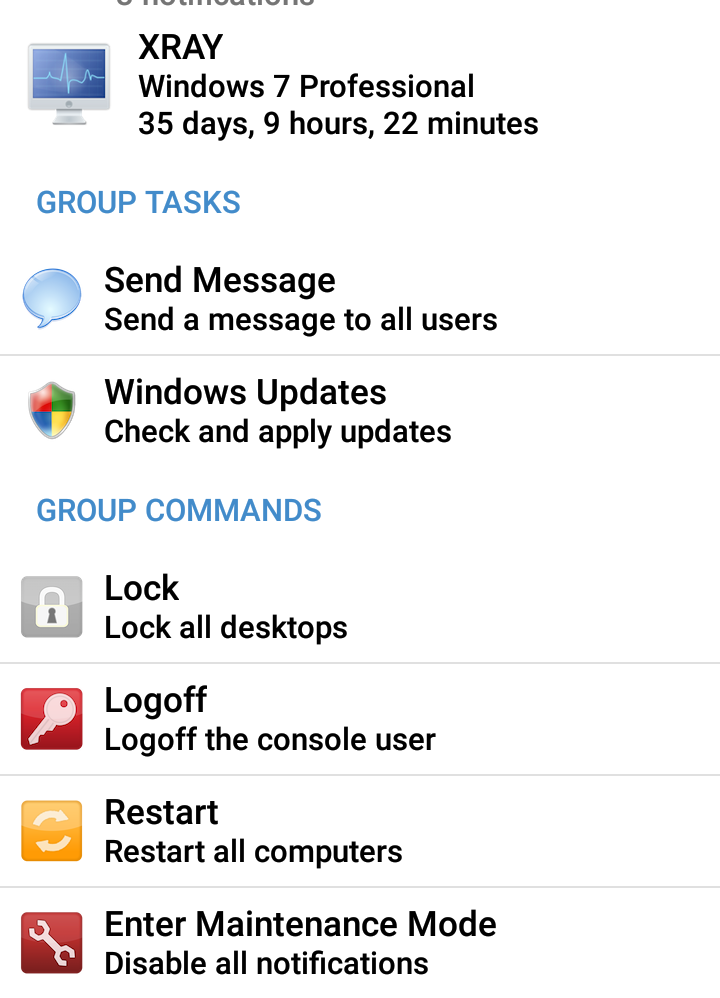
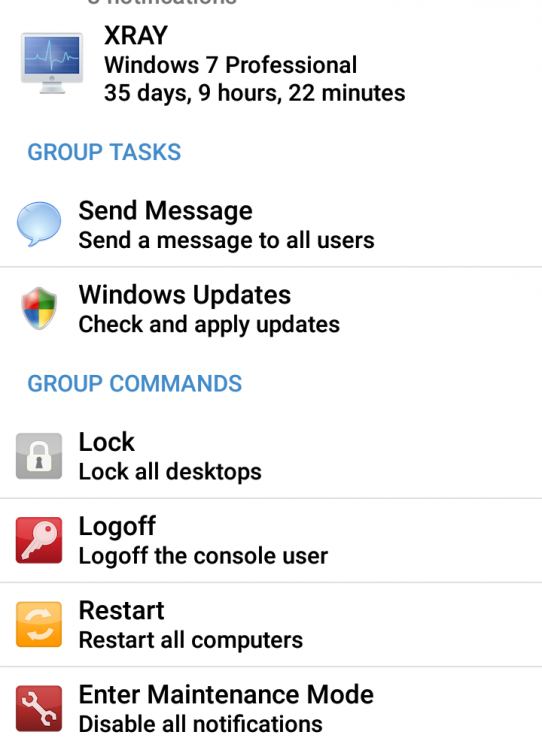
Is it possible to be able to create scopes on the Android app? Use case is all of the built in scripts default to all systems. It would be great if I could adjust the scope on the Android app. I'm trying to avoid logging into the web console, creating a scope and modifying a task, esp for a script I may only have a need to run once on a specific group. Pulseway is great and I love it, it doesn't seem like it scales well. If I add 10 machines a week I would constantly be adjusting things on the web console. I should be able to click any group and run scripts for that group without making a scope etc. Have I missed something or is this possible? For instance under the group tasks would be awesome if it listed automation and reports
-
Is there anyway to get a report of the results of a script that was ran. For instance the check if computer has 2 hdd script, If I run this against 90 computers I don't want to click on each computer, click on the script, click again to see the results. It would be awesome if I was able to just see a list of failed and a list of passed, Is this possible?
-
-
-
Is there any plan or discussion to allow MSP's the ability to white label the agent settings such as the name, desktop shortcuts, icon, installation path name, etc? We used to have this with a former RMM tool we used and it was helpful to maintain brand consistency with our clients. Thank you, and keep up the great work!
-
 Hi All, New to the software and love its ease of use. I am looking for an update from the roadmap on when the custom reporting may be available? Things like asset reporting on all PCs with x of software (Eg. office 2010) or License numbers of x software.Have a microsoft audit for example and need to gather all the FPP license numbers! All the information you appear to have already from the summary and detail asset reports its just the selection of those items into one report. or if any one knows a script that performs that task?
 -
 For Oracle database monitoring the following items would ideally need to be monitored; The tablespace sizes and projected growth, datafile size, oracle processes and their associated memory and cpu usage as well. Even better would be SQL and PL/SQL monitoring tools which dynamically pull up problem SQL or PL/SQL as well. Thank you !