
_a9c1b4.png)
_49ee3f.png)
All Activity
- Yesterday
-
 maxhunter joined the community
 -
 Right now in Pulseway there is no real auto-detection of SNMP data/OIDs like tools such as Observium. You can discover devices, but you still have to manually add OIDs or build SNMP profiles. The dev team has mentioned future plans for templates and better automation, but as of now it’s not implemented, so there’s no way to fully avoid manual configuration.
 -
 Mohnd_Jalal joined the community
 - Last week
-
 elenaqywec joined the community
 -
-
Customer complained invoice ≠ charged amount and poor support access. Support replied charge was correct; difference likely from bank’s international fee. Issue resolved — customer’s email reply was blocked by spam filter.
-
 lad joined the community
 -
 rschoenhoft joined the community
 -

-
@MichaelHer_NavNet - 3rd party apps are also done via profiles, but there's currently there is no reporting of this.
-
 Rmac2006x joined the community
 -
 Thank you. I did have a device enrolled and was able to get that configured. I assume 3rd party apps are managed the same way though the Apple MDM profiles? Also is there any reporting on the status of this. How can I determine if there are devices that have failed to update?
 -
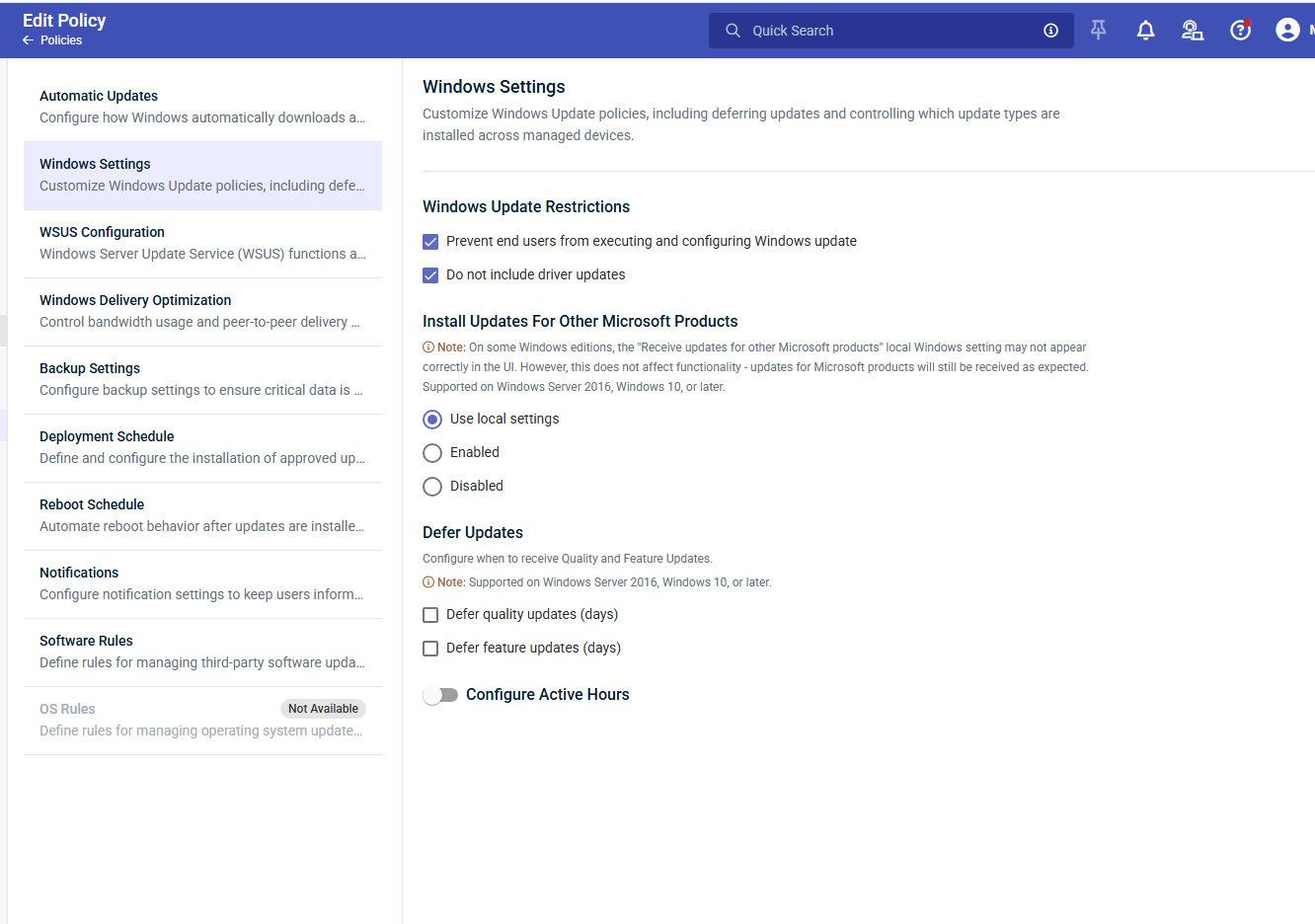
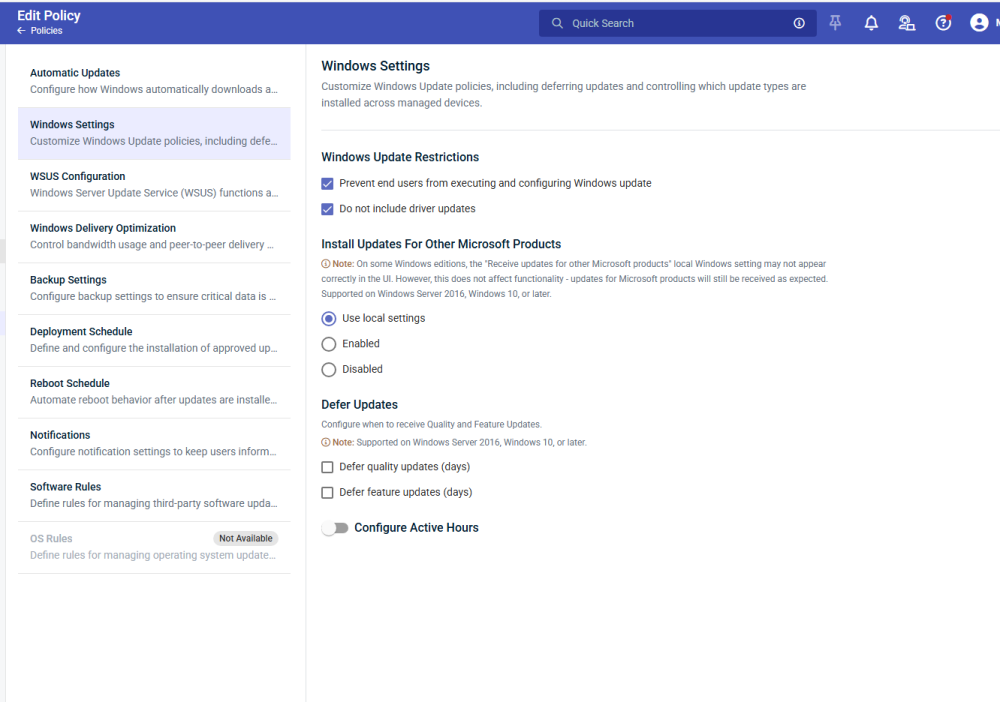
Hey @MichaelHer_NavNet - Thanks for reaching out. The picture you attached is only for Windows not for MAC patching. In order to patch Macs you need to enroll Macs as MDM. Once enrolled you need to add policies from Administration >> Configurations >> Device Configuration. You can check in profiles filter profiles for Device Configuration >> Apple MDM System Configuration profile should be added in your policy
.jpg.4b46d9b2f309a5115b5e390406d2403b.jpg)
-
I am trying to setup Patch polices for MacOS, following this guide. Creating/editing Patch Management policies | Pulseway Help Center But in my policy, I don't see anything for MacOS
-
 Hi I have the same issue - the Androipd app keeps logging out, I miss notifications and when I login again I am stuck in this loop - now I now I can break it by killing the app and starting it again But hinestly what is this now? - for almost 10 years the app workes fine, always and now it logs off an I do not get any notifications, kinda makes PW useless...
 -
 girish parmar joined the community
 -
 macski joined the community
 -
ModahPar joined the community
-
 Anil Kumar Yadav joined the community
 - Earlier
-
 Really great to see the breadth of improvements in Pulseway 9.14, especially around Apple MDM. The new Apple MDM Applications profile and Apple Apps & Books integration make deploying and tracking macOS/iOS apps much more manageable, and the automation of installs and updates should save a lot of manual effort for admins. Automating deployments and tracking compliance across devices addresses a major pain point for many of us. The added erase/lock commands and enhanced device insights give more control and visibility, which helps with both security and troubleshooting.
 -
-
 I recently noticed on several Windows 11 endpoints that have automatically updated to version 9.25, I am getting constant "up and running" notifications through my Android app (which is on 9.24, the latest version). When I log on to the endpoints, I am unable to open Pulseway Manager right away since it seems to crash on its own. Once I go to Task Manager to kill the process tree, I'm able to open the app. I can't say if this happened with Windows 9.24 version of the app. For now, I have turned off the "Send a notification when the computer is started with priority: ", which seems to have mitigated the problem.
 -
-
Hey @Tweeyanne_24 - That's odd, but no worries I just raised a ticket on your behalf and they'll be able to assist you shortly😊
-
 Hi, Do you know how to contact Pulseway PSA Support? I tried to send an email through this support@pulseway.com, but It did not go through. Me and my client has some issues with our PSA pulseway workflow. We need the expertise of Pulseway support team to help us out as early as possible.
 -
 Apologies if this is currently possible. To provide the background, my organisation takes a gentle approach to scheduling reboots. The reboot notification is configured to appear 23 hours before the scheduled reboot time providing users with ample time to reboot their computer before the scheduled time. Unfortunately, some users are still reporting it to be disruptive even with 23 hours grace. I suspect this might be to do with the language used by the notification prompt: it states "Your computer is about to reboot". Obviously, with 23 hours notice, "about to" isn't strictly accurate. A better message might be the following: " Your computer is scheduled to reboot at hh:mm dd/mm/yyyy Security patches have been installed on your computer which require a reboot. You can choose to reboot your computer now to avoid disruption tomorrow or you may snooze this notification and decide later. If you choose to do nothing, your computer will reboot in hh:mm:ss as scheduled." I appreciate this suggested message is best only for our organisation, so it would be helpful if it were possible to customize this notification.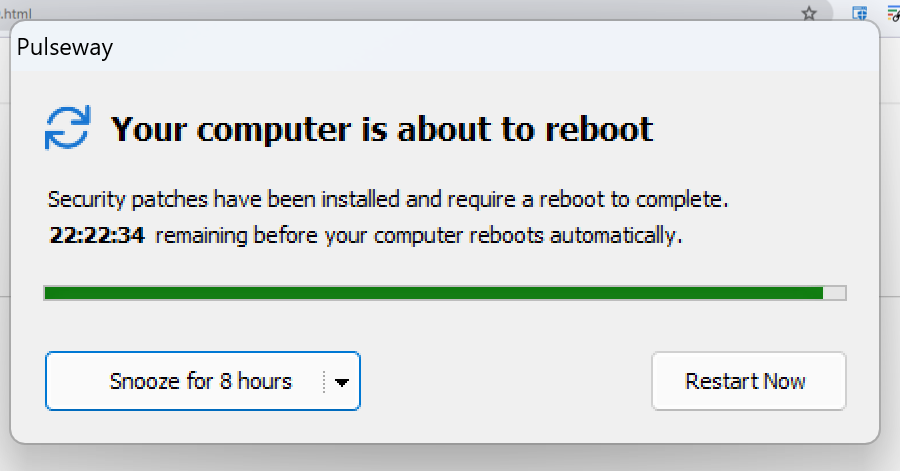
-
Hey @ic-kfisc - Thanks for reaching out! I just raised a ticket for you and our support team will reach out shortly😊
-
Hey @Jason Beaver - Thanks for the feedback. I'll pass this to our product team😊
-
 Has this been resolved yet? I just added the reboot pending option to our monitoring policy and all of the devices with that enabled immediately sent notifications stating: The system '[system]' in group '[group]' has a pending operation (PendingFileOperation) which requires a reboot to complete.
 -
 @Chris @Mariale_Pulseway This is in another thread, but since this one has staff interaction, I thought I'd bring it up here, too. Support for remotely controlling other hosts from Linux is needed, badly. I use a Linux laptop for my business for on-site support. It would be nice to not have to VPN back to my home base to login to a jump box just to remote control a host from Pulseway.
 -
 I'm looking for the same thing. Multi-monitor support in screenview.
 -
Pulseway 9.25 is live — and this release focuses on strengthening security, improving control, and giving you better operational visibility across your environment. This update sharpens compliance, streamlines automation governance, and enhances device management across macOS and iOS — all while keeping workflows smooth and scalable. Highlights in this release: Modern M365 OAuth authentication: outbound email now uses secure OAuth instead of basic auth, eliminating stored credentials and aligning with Microsoft’s deprecation timeline. Remote Control On-Demand for macOS: initiate remote sessions when needed, giving technicians flexibility while maintaining user transparency. Automation Hub folder permissions from Teams & Users: manage access directly from the RBAC layer, making governance cleaner and easier to scale. Patch Status reports: improved reporting visibility to track compliance and patch health across devices. Enhanced iOS MDM location tracking: access location history and richer device location details for better mobile oversight. 📄 Full release notes available here.
-
-
 It would be useful to have colouring options for tags as well as an expanded Tags column in Device views rather than the compact 'Tag (+4)' we currently have. This would make it easier to identify systems at a glance. Hopefully this is something that would be considered Thanks
 -
-
Hey @PK_GIT - Thanks for reaching out. I just raised a ticket for you and our support team will reach out shortly to assist you with this😊
-
 I’ve just move to M365 for email, and I need to update my email server settings in Pulseway to send emails. It keeps failing no matter what I try with SMTP or OAUTH. I’ve tried app permissions but still no luck.
 -
Hey @Mike Shevenell - It’s certainly a hack that we had shared, but as I said there is no support on that. You can create/make changes. We have some library on that too on the forum.