
_a9c1b4.png)
_49ee3f.png)
All Activity
Today
-
moneylogicexplained321 joined the community
Last week
-
sadccv joined the community
-
burningflames joined the community
Earlier
-
Hello, I am looking to solve a problem, this is before hand the context: My company manage with PulseWay a few dozens Windows 11 Pro computers. We host for them a Nextcloud server and we wanted to force a scheduled task to run Nextcloud Desktop App only if it was not detected as running for an active session, every 5 minutes. We made a PowerShell script doing just that, once executed on an host it does install this scheduled task and so far in works as expected. --- Now my issue is the following: How could I use PulseWay to detect if this scheduled task is installed and active on a sets of computers? If not, executing the said script automatically (available on PulseWay of course). While being, for example, executed every X hours or at each computer starting an active session, maybe? I saw you can schedule task in PulseWay but I am kind of lost on how it is supposed to work. The blocking options to me are: - Enabled: Obvious feature, but if it (the task) created while this is enabled, it will then do execute as required with the set scheduling as soon as it become true, right? This sounds dangerous if you are not 100% sure. Of course test will be made first hand, but that is something to considerate I guess. - Current Scope: It seems to define from what type of OS the target has (Windows 11/10, all Windows, 2012 Servers, etc). We might want and need to target by customers group for example, not type of Operating System! If I do enable a task here, does it means it will then be executed on ALL devices selected as soon as the scheduling mets the condition? So, Enabling a task with such a large scope sounds too wild for me until I understand it better. EDIT: While this message is being approuved by moderation, I found that you could create your own Scope and also select a group in it, which might kind of solve this issue to me. Feel free to add more if you see anything useful. --- Maybe I am lost in the PulseWay GUI and don’t find what would suits the need. What would be in this case and with your deeper insight the good road to take please ? PS: Sorry, english isn’t my mother tongue. Regards, GASPARD DE RENEFORT Kévin
-
Kévin GDR joined the community
-
JcU joined the community
-
Well, now TV is in the pockets of everyone. Does it apply there??
-
elzybella joined the community
-
midia joined the community
-
Gary2g joined the community
-
hendog5000 joined the community
-
MR BAFFOUR joined the community
-
-
-
Some other tidbits of information that may help engineers find the issue. When I revert the SSL certificate to the one that will expire in 5 days. We can login on the mobile app again. I also noticed that two Linux VMs had been showing offline while on the new certificate. As soon as I reverted the certificate, those machines showed up as online again. Those machines never went down btw.
-
-
-
I just went through the process of updating the SSL Certificate on our Pulseway instance. The portal is working just fine and Pulseway Dashboard connects just fine. When trying to login to the instance on the Android app, all I get is the following error. SSO Authentication not available. I've cleared the cache and data on the Android App to see if that would fix it to no avail.
-
-
-
-
With the change in ESXI licensing model we are moving customers away from ESXi and implementing Proxmox solutions. Monitoring, however, is extremely limited in Pulseway so we'd like to see some improvements be made here. Most notably with things like direct monitoring of ZFS pools, disk smart status, OS updates etc.
-
Wondering if my situation is related. My customer and in house systems were updated to 10.28 over the past 24 hours and ALL scheduled and on demand Tasks fail with the error message "No Systems Found". I've had the same tags and scopes described for "years" and suddenly - tasks don't run. I've raised the issue with support but not heard back yet. Do your tasks run at all ?
-
-
I've created a tag and applied it to some devices. In device list or device management, when I filter for such tag those devices are displayed. Then I created a simple scope, based only on that tag. But when I list devices for that scope, the list is empty. This happens also for default scopes, such as "All windows computers".
-
Zendesk is moving away from API Tokens to OAuth and support has confirmed to me that this means api tokens and username/password based zendesk integrations will no longer work. Curious to know how Pulseway is handling that.
-
Hi all, Searched the forums but haven't found anything. Looking for scripts to monitor the status of a ZFS Pool on Proxmox and ideally a seperate script for monitoring SMART status as well.
-
Hi everyone, I'm currently managing a government information website that provides guides on official documents such as Police Clearance, NBI Clearance, and other application processes in the Philippines. One of the biggest challenges is keeping information updated whenever requirements, fees, or online appointment systems change. We're also looking at improving how we handle user enquiries, track website issues, and organise content update tasks more efficiently. Pulseway PSA seems like an interesting solution for managing recurring tasks and support workflows. Has anyone here used Pulseway PSA for managing website operations or content-related projects? I'd love to hear about your experience with ticket automation and project management. Any suggestions would be greatly appreciated. Thanks!
-
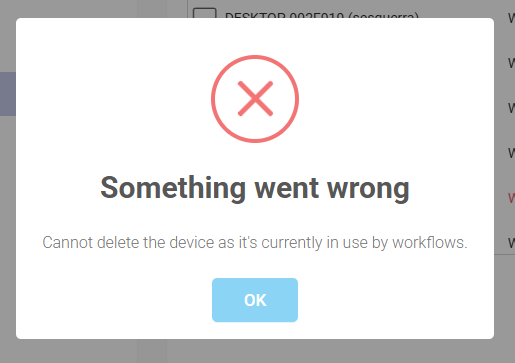
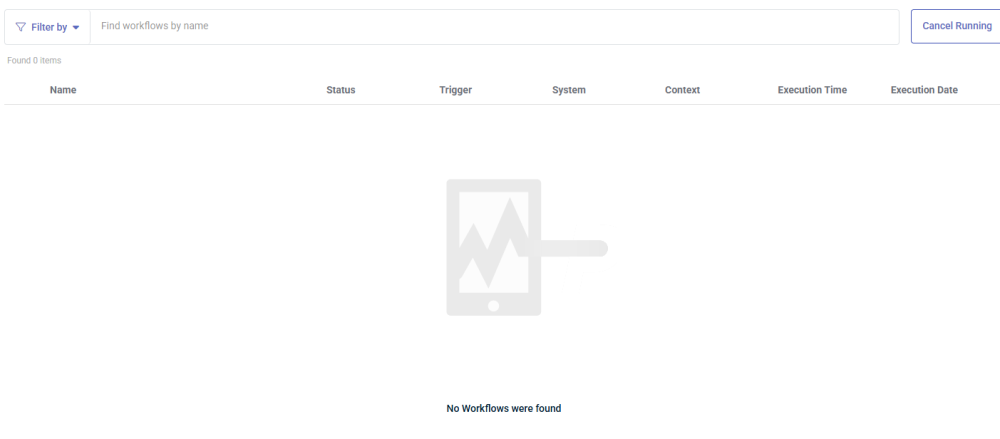
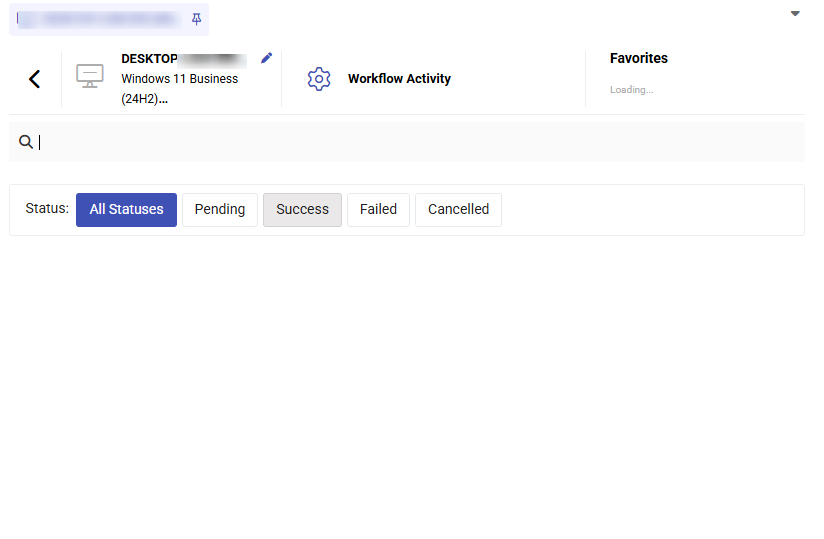
When I try to delete the device from organizations I get this error. There are no workflow activities. The device has no workflow
-
-
Could be a policy that turns off the feature, also look in the available features from the profiles too.
-
This resolved my issue. Thank you.
-
Hi Shane, You need to change the url to https://{instance_name}.pulseway.com/api/v3. -Paul
-
-
Hello, I've installed the app from Google store, but when I launch it is different from what the help guide says: it only shows a field to insert the instance name. After I enter my instance name and submit the login, it returns an error that SSO authentication is not available... What's wrong with it?
-
Hi guys, I am testing one of the base PowerShell examples and I get the following error: Invoke-WebRequest : {"Data":null,"Meta":{"TotalCount":0,"ResponseCode":500,"ErrorMessage":"The remote name could not be resolved: 'ws0.pulseway.com'"}} At C:\CVSSource\pulseway_salesforce_connector\test.ps1:9 char:13 + $response = Invoke-WebRequest -Uri 'https://api.pulseway.com/v3/devic ... + ~~~~~~~~~~~~~~~~~~~~~~~~~~~~~~~~~~~~~~~~~~~~~~~~~~~~~~~~~ + CategoryInfo : InvalidOperation: (System.Net.HttpWebRequest:HttpWebRequest) [Invoke-WebRequest], WebException + FullyQualifiedErrorId : WebCmdletWebResponseException,Microsoft.PowerShell.Commands.InvokeWebRequestCommand I just created this token so I don't think an old token is the issue. It seems like there could be a DNS routing or resolution issue on the Pulseway side, at least maybe for our hosted instance. Any help is greatly appreciated. Thank you. $tokenId = '' $tokenSecret = '' $base64Encoded = [System.Convert]::ToBase64String([System.Text.Encoding]::ASCII.GetBytes("$($tokenId):$($tokenSecret)")) $headers=@{} $headers.Add("Content-Type", "application/json") $headers.Add("Accept", "*/*") $headers.Add("Authorization", "Basic $($base64Encoded)") $response = Invoke-WebRequest -Uri 'https://api.pulseway.com/v3/devices?$top=100&$skip=0' ` -Headers $headers ` -Method GET
-
-